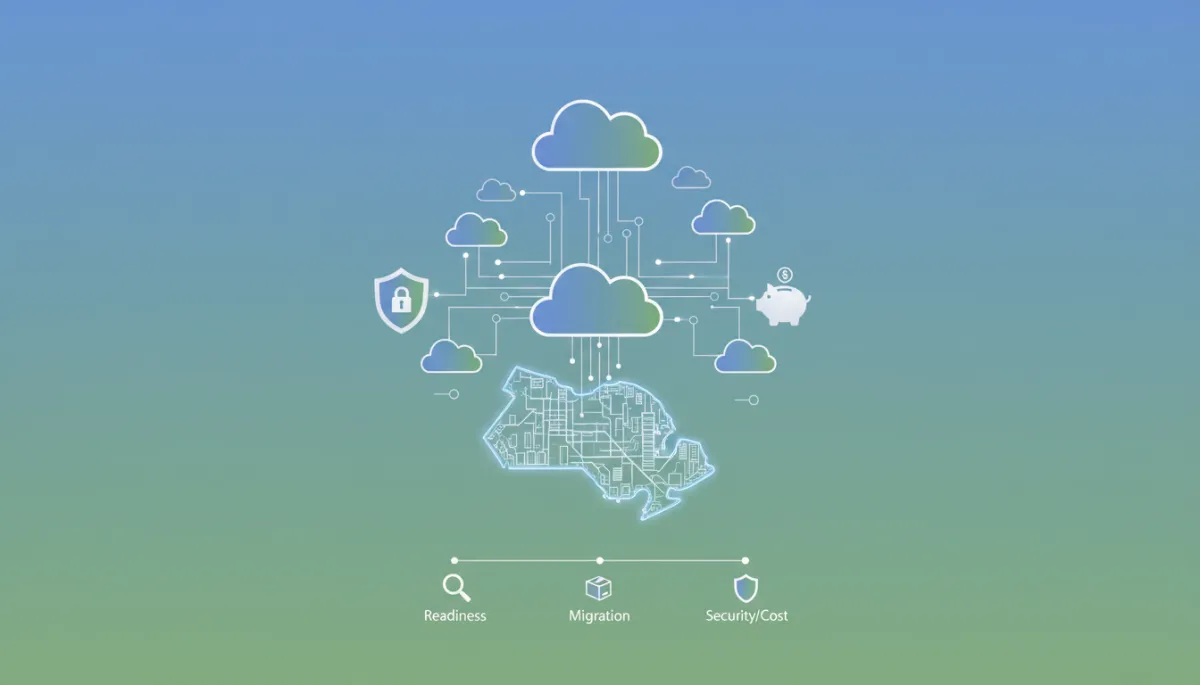
Azure Cloud Migration for Toronto Small Businesses
Azure, Cloud Migration, Small Business, Toronto, Cybersecurity, Cost Management
Azure Cloud Migration for Small Business: A Secure, Cost-Controlled Roadmap
For many Toronto and GTA organizations, Azure is no longer a “nice to have” experiment. It is a practical way to modernize infrastructure, strengthen security, and control IT costs—if you approach migration with a clear, low-risk plan. This article outlines a realistic Azure roadmap tailored to Canadian small and midsize businesses with roughly 20–500 users.

Practical Azure Migration for Growing Canadian Businesses
Secure, cost-aware steps for Toronto and GTA organizations
1. When Azure Is a Good Fit for Toronto and GTA Businesses
Azure is not automatically the right answer for every workload. It tends to be a strong fit for Canadian small and midsize businesses when you:
Rely heavily on Microsoft 365, Windows Server, SQL Server, or line-of-business apps built on Microsoft technologies, and want tighter integration and single-vendor support.
Need stronger security and compliance controls than your current on‑premises or basic hosting setup, including Zero Trust–aligned identity, encryption, and continuous monitoring, as reflected in Microsoft’s Secure Future Initiative updates for Azure.
Want to reduce capital spending on servers, storage, and data centre space, moving toward predictable operating costs with options like pay‑as‑you‑go, reserved instances, and savings plans.
Need reliable remote access for distributed teams across the GTA and beyond, without exposing VPNs and internal systems unnecessarily to the internet.
Azure may be a weaker fit if you run highly specialized appliances that cannot be virtualized, or if you have extremely latency‑sensitive systems tied to a specific physical location. In those cases, a hybrid approach—keeping some workloads on‑premises while moving others to Azure—often works best.
2. Readiness Assessment: Start with Business Outcomes, Not Servers
Before moving anything, a structured readiness assessment anchors the project to business outcomes. LOZES IT Solutions typically focuses on four areas:
Business drivers and constraints. Are you aiming to exit a data centre lease, improve resilience, support growth, or prepare for AI and analytics? What budget, timelines, and compliance obligations (for example, PIPEDA or sector‑specific standards) apply?
Current-state IT baseline. Inventory servers, applications, storage, and network connectivity. Identify technical debt such as unsupported Windows Server versions or aging firewalls that might complicate migration.
Security posture. Review identity practices (multi‑factor authentication, privileged access), patching, backup, and incident response. Azure can improve these, but only if the design and operations are intentional.
Readiness for change. Assess skills, capacity, and vendor dependencies. Some organizations need managed services or co‑managed IT to operate Azure day‑to‑day.
💡 Pro Tip: Use Microsoft’s Cloud Adoption Framework as a reference, but adapt it to your team’s size and capacity rather than copying enterprise templates directly.
3. Workload Discovery: Know Exactly What You Are Moving
Workload discovery goes beyond counting servers. Azure Migrate provides automated discovery, right‑sizing, and dependency analysis so you can see which systems talk to each other and how often. Recent enhancements even group applications and tag them (for example, Production, Test, Retire), which helps prioritize what to move first.
For GTA organizations, this step often reveals:
Legacy applications that are rarely used but still running on expensive hardware, which might be better retired or archived to low‑cost Azure storage.
Databases that could move to managed services such as Azure SQL Database to reduce patching and backup overhead.
Tight couplings between applications that require migrating as a group, not as isolated servers.

Clear discovery and dependency mapping reduce surprises during Azure migration waves.
4. Identity and Networking: Design the Guardrails First
In a modern Microsoft cloud environment, identity and network design are your primary security controls. For most Canadian small and midsize businesses, a practical baseline includes:
Azure AD / Entra ID as the control plane. Centralize user and device identities, enforce multi‑factor authentication, and use conditional access policies to reduce risky sign‑ins and enforce Zero Trust principles highlighted in Microsoft’s Secure Future Initiative.
Hybrid identity where needed. If you still have on‑premises Active Directory, use secure synchronization rather than maintaining separate identity silos.
Hub‑and‑spoke networking. Implement a hub virtual network for shared services (firewalls, VPN gateways) and spoke networks for workloads, with network security groups and, where appropriate, Azure Firewall or third‑party firewalls for segmentation.
📌 Key Takeaway: Rushing into server migrations without a clear identity and network design often leads to inconsistent access, security gaps, and higher long‑term costs.
5. Migration Phases: From Pilot to Optimization
A structured, wave‑based approach reduces risk and disruption:
Pilot. Choose a low‑risk workload to validate tools, timelines, and cutover steps. Use Azure Migrate and the Migration and Modernization tool to test replication, failover, and rollback procedures.
Wave‑based migration. Group dependent workloads and move them in planned waves. Some systems can tolerate scheduled downtime; others may require near‑zero‑downtime replication and cutover windows outside business hours for GTA users.
Post‑migration hardening and tuning. After each wave, validate performance, security, and user experience. Use Azure Advisor and the Well‑Architected Framework guidance to right‑size resources and improve resilience.
6. Security Baseline: Practical Controls, Not Fear
Azure offers advanced security capabilities, but value comes from applying them thoughtfully, not from buying every add‑on. A realistic baseline for small–midsize organizations includes:
Mandatory multi‑factor authentication and conditional access for all users, with stricter policies for administrators and remote access.
Microsoft Defender for Cloud for continuous security posture management, including recommendations on misconfigurations and vulnerabilities across servers, databases, and storage.
Encryption at rest and in transit, with key management aligned to your compliance needs and data residency requirements in Canadian regions where appropriate.
Centralized logging and alerting, potentially integrated with Microsoft Sentinel for organizations with higher security monitoring requirements.
7. Backup and Disaster Recovery: Plan for Outages Before They Happen
Moving to Azure does not automatically guarantee backup or disaster recovery. You still need clear recovery objectives and tooling:
Azure Backup for servers, databases, and key workloads, with retention aligned to your legal and business requirements. This protects against accidental deletion, corruption, and some ransomware scenarios.
Azure Site Recovery for business‑critical systems where you require failover between regions or from on‑premises to Azure. Define realistic recovery time (RTO) and recovery point (RPO) objectives that your team and budget can support.
💡 Pro Tip: Test restores and failover regularly. A backup that has never been tested is a risk, not a control.
8. Cost Governance: Avoid Surprises and Prove Value
Azure’s flexibility is powerful, but it can also lead to unplanned spend if there are no guardrails. Effective cost governance for small and midsize organizations usually includes:
Using the Azure Pricing Calculator during planning to model monthly costs, including compute, storage, bandwidth, and support. This gives executives a realistic range rather than a single optimistic number.
Starting with pay‑as‑you‑go, then moving stable workloads to reserved instances or savings plans once usage patterns are clear, taking advantage of potential 30–70% compute savings where appropriate.
Implementing budgets, alerts, and tagging (for example, by department, project, or environment) in Azure Cost Management so you can see who is spending what and why.
9. Common Azure Migration Mistakes to Avoid
Lifting and shifting everything without optimization. This often leads to higher costs than your existing environment and misses the opportunity to modernize or retire workloads.
Underestimating identity and access management. Weak identity controls can undo the benefits of Azure’s platform‑level security improvements.
Skipping user communication and training. Staff in Toronto offices and remote locations alike need clear guidance on how access, VPN, and support will change after migration.
No clear owner for ongoing operations. Azure is not “set‑and‑forget.” Someone—internal IT, a managed service provider like LOZES IT Solutions, or a hybrid team—must own patching, monitoring, and cost reviews.
10. A Practical 90‑Day Azure Migration Checklist
Timelines will vary, but many 20–500‑user organizations can complete an initial Azure migration wave in roughly 90 days with focused effort. A sample roadmap:
Days 1–30: Assess and Design
Confirm business drivers, scope, and success metrics with leadership and key stakeholders (IT, security, operations).
Run Azure Migrate discovery and assessments; group workloads into migrate/modernize/retire categories.
Design the Azure landing zone: subscriptions, resource groups, networks, identity, and governance policies.
Days 31–60: Build and Pilot
Build core Azure networking, identity integration, and security baseline (MFA, conditional access, Defender for Cloud).
Configure Azure Backup and, where needed, Azure Site Recovery for selected workloads.
Perform a pilot migration of one or two low‑risk workloads; validate performance, access, backup, and rollback.
Days 61–90: Migrate First Wave and Optimize
Execute the first full migration wave, including communication and change management for end users and stakeholders across the GTA.
Tune performance and right‑size resources using Azure Advisor and cost management insights; consider reserved instances for stable workloads.
Document lessons learned and refine the plan for subsequent migration waves, including decommissioning of on‑premises infrastructure where appropriate.
11. Next Step: Discuss an Azure Roadmap with LOZES IT Solutions
Azure can absolutely help Toronto and GTA organizations improve security, resilience, and flexibility—but only when migration is grounded in clear scope, cost awareness, and practical operations planning. LOZES IT Solutions works with small and midsize businesses across the region to connect Microsoft 365, Azure, Intune, security, and AI‑readiness into a single, understandable roadmap.
If you are considering Azure or already have a few workloads in the cloud and want a more structured approach, you can:
Book a low‑pressure Azure migration consultation to review your current environment, risks, and opportunities in a Canadian context.
Start an Azure readiness assessment focused on your Microsoft 365, endpoint, and security posture, with clear next steps rather than generic transformation promises.
Reply to connect with a LOZES specialist or schedule a conversation at a time that works for your team. The goal is straightforward: a secure, cost‑controlled Azure environment that matches where your business is today—and where you plan to be in the next few y
Related Lozes insights
Book an Azure readiness consultation with Lozes IT Solutions.
